
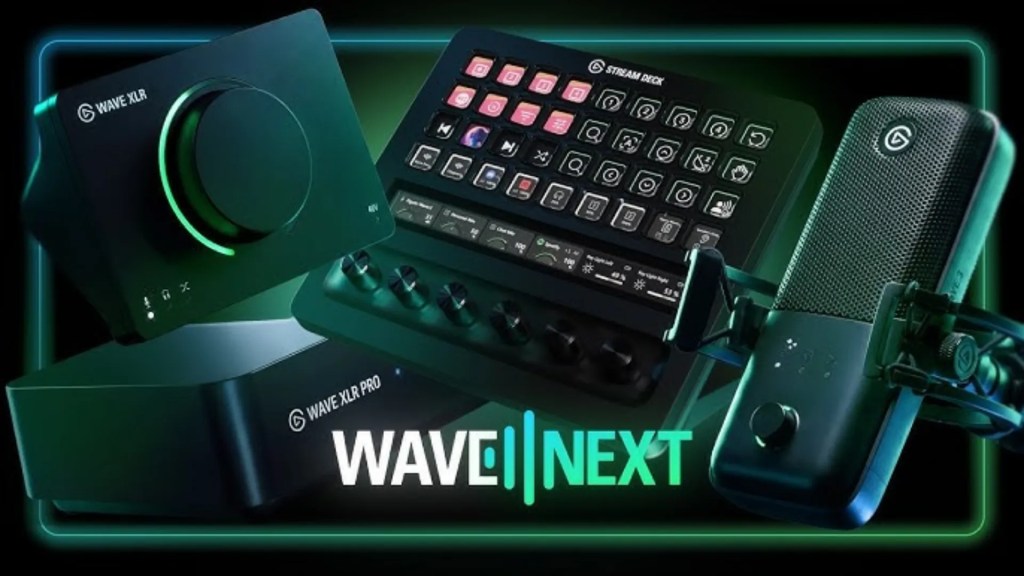
For many years, Elgato have been creating some of the best microphones & interfaces within the creator/livestreaming space. The Wave DX, Wave:3 and the Wave Neo were all incredible mics – especially when paired with Wave Link 2.0 and Voice Focus – two incredible pieces of software that enhanced the audio experience, making things far easier for the average creator.
Now… it’s time for something entirely new. An upgrade to what was already a best-in-class product. Elgato have officially unveiled a plethora of new devices, a new app, new integrations with third-parties, and so much more. Over the next few weeks, we’ll be getting a hands-on experience with most of the new products, sharing our honest impressions. For now, let’s talk about the announcements.
Wave Link 3.0
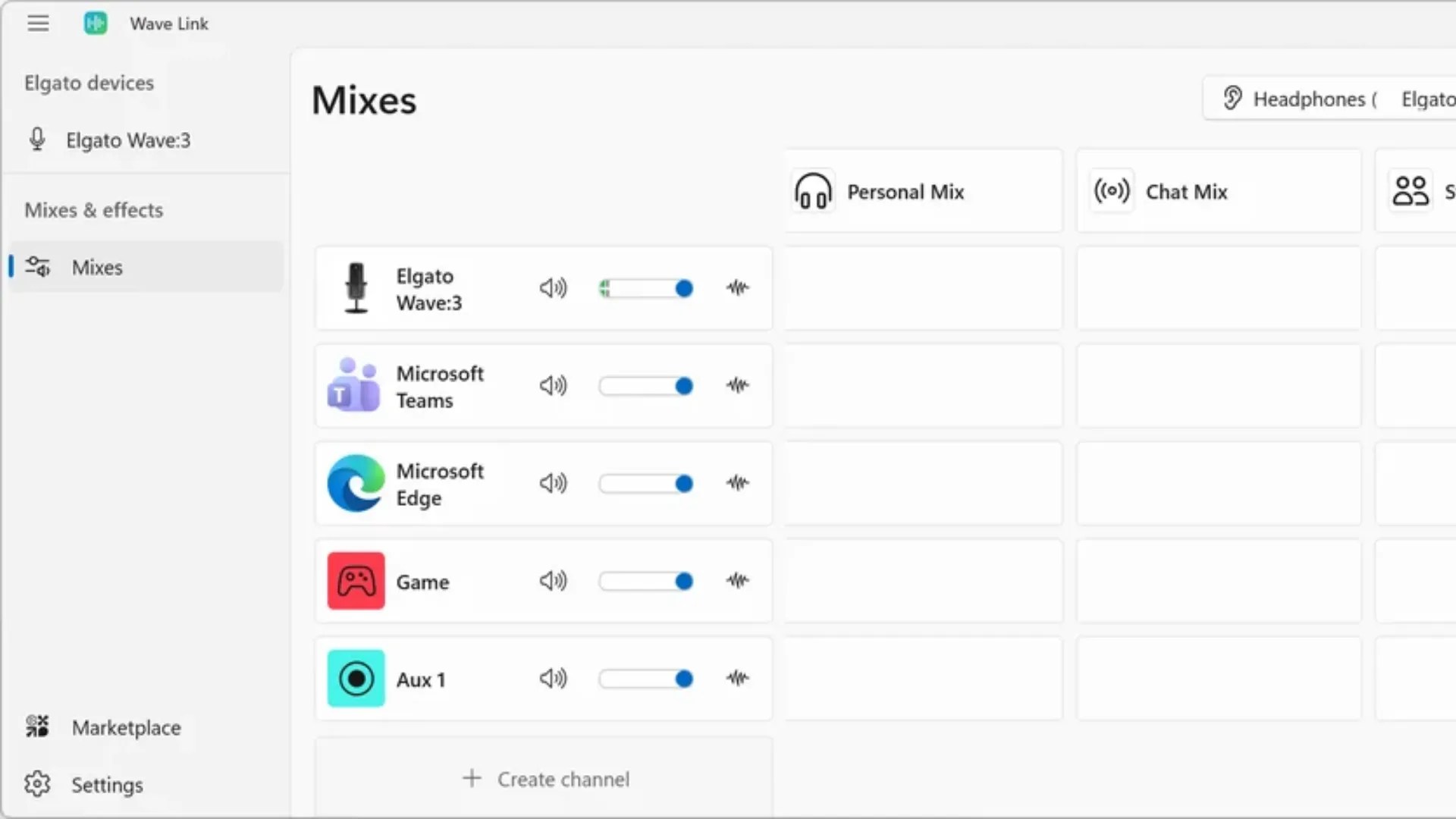
Elgato’s audio routing app that originally came with Elgato audio products – it has been rebuilt from the ground up and made available to EVERYONE, for free. Now, it doesn’t matter if you’re using one of Elgato’s brand-new microphones/interfaces, a budget-friendly USB-C mic from Amazon, or the incredibly popular Shure SM7B XLR mic – Wave Link 3.0 is now available to download for free on Windows 11 and MacOS 15 or newer.
If you’re unfamiliar, Wave Link acts as a “hub” and mixer for all of your system audio. You can create individual mixes (and individual channels) to adjust the volume, apply effects and routine all your audio sources. So, you differentiate what you can hear from what your livestream chatters can hear. Example; if you’d like to have your music ridiculously loud while livestreaming, but you don’t want chat to know you listen to Taylor Swift as a 31-year-old man – don’t judge – you can simply route Spotify to go through your headphones, but NOT to your stream audio.
You can also apply a bunch of voice effects to your microphone – some useful VSTs like Voice Focus, compressors, limiters – toggling them on and off with the help of the Stream Deck. You can also apply these effects to your friends audio when chatting via Discord, Teams, etc – fixing their audio before it even hits your ears, or OBS. Elgato have also announced official VoiceMod VSTs to give you – and perhaps even your friends via Discord & Teams – real-time voice effects that can be applied via Wave Link 3.0
Some additional features of Wave Link 3.0 from its previous version – it’s available to everyone, as mentioned earlier, whereas you’ll need an Elgato audio device to use the previous version. You can also have up to 5 mixes, expect much better performance and optimization with your system, and there’s a built-in export your whole Wave Link setup to Stream Deck – speeding up the whole setup process. There will also be a bunch of incredible, new features integrated with Elgato’s new and future hardware releases.
Elgato Wave FX Processor
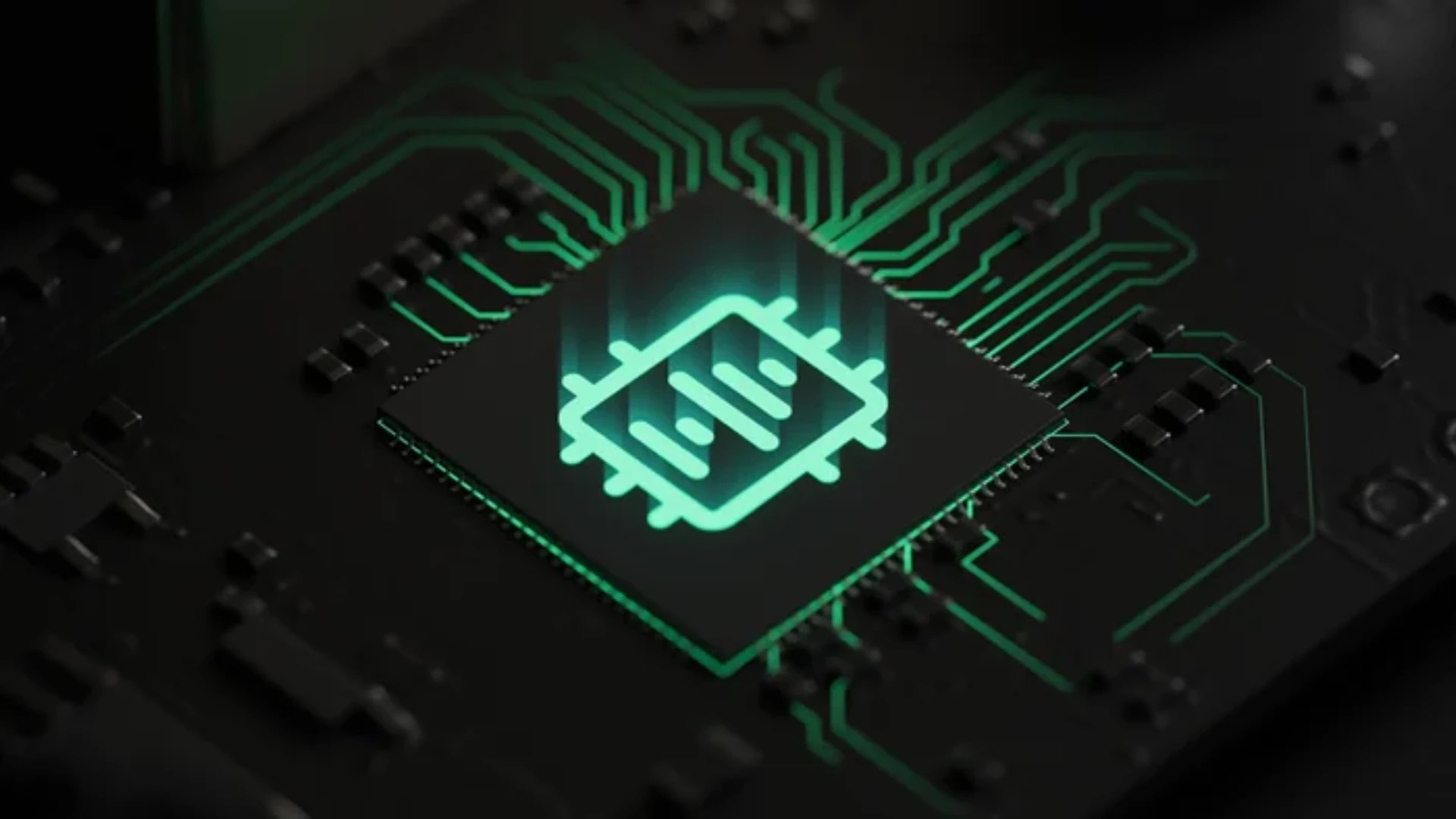
One of the groundbreaking additions that will now be included with the brand new Wave:3 MK2, Wave XLR MK2 and Wave XLR Pro is a build-in processor – the WaveFX chip, made in collaboration with LEWITT Audio. If you’re unfamiliar, LEWITT’s microphones and audio technology are used by some of the most successful artists in the world – Bad Buddy, Sabrina Carpenter, Justin Bieber – and all of that experience, technology and data has combined with Elgato’s flagship audio products and software to create an experience that is truly unique;
Clipguard 2.0 – This is far more than a simple upgrade to Elgato’s 1.0 version. The original worked by simultaneously inputting two audio sources from your microphone – when one input clipped, it would switch to the quieter, lower DB input source to prevent clipping. This worked great for many years, but now, Clipguard 2.0 introduces something even better.
All audio is processed at 32bit, giving users a much higher ceiling to help avoid clipping, and recover quieter audio, then the audio is processed by the WaveFX chip and delivered to the user – and the system – in a way that makes clipping virtually impossible, with zero latency. There’s actually a video of the Elgato team screaming into the mic trying to cause clipping – didn’t even get close.
Onboard DSP Effects & VST Inserts – All of your audio-technician’s favourite effects are built straight into the new Wave devices:
- Low Cut filter to clean low-frequency noise.
- Expander to reduce background noise and increase focus on your voice.
- Compressor to keep your audio even and balanced.
- Equalizer to fine-tune, reduce and emphasize specific frequencies.
- Voice tune to to add warmth and “excitement” to your tone.
They’re all process on-device via the WaveFX processor – regardless of whether you’re using an XLR mic with the new interfaces, or Wave:3 MK2 – your audio can now be monitored with all effects applied, with zero latency.
What makes this even better is that the WaveFX chip adds VST inserts – a unique feature that is typically reserved for premium audio equipment. To keep things simple, you can now have the built-in processor add and adjust your VST effects without needing to set up any other virtual devices. All those VoiceMod VSTs we mentioned earlier, for instance – they can be processed on-device with much lower latency – a highly requested feature by VoiceMod users for many, many years.
Elgato Wave:3 MK2
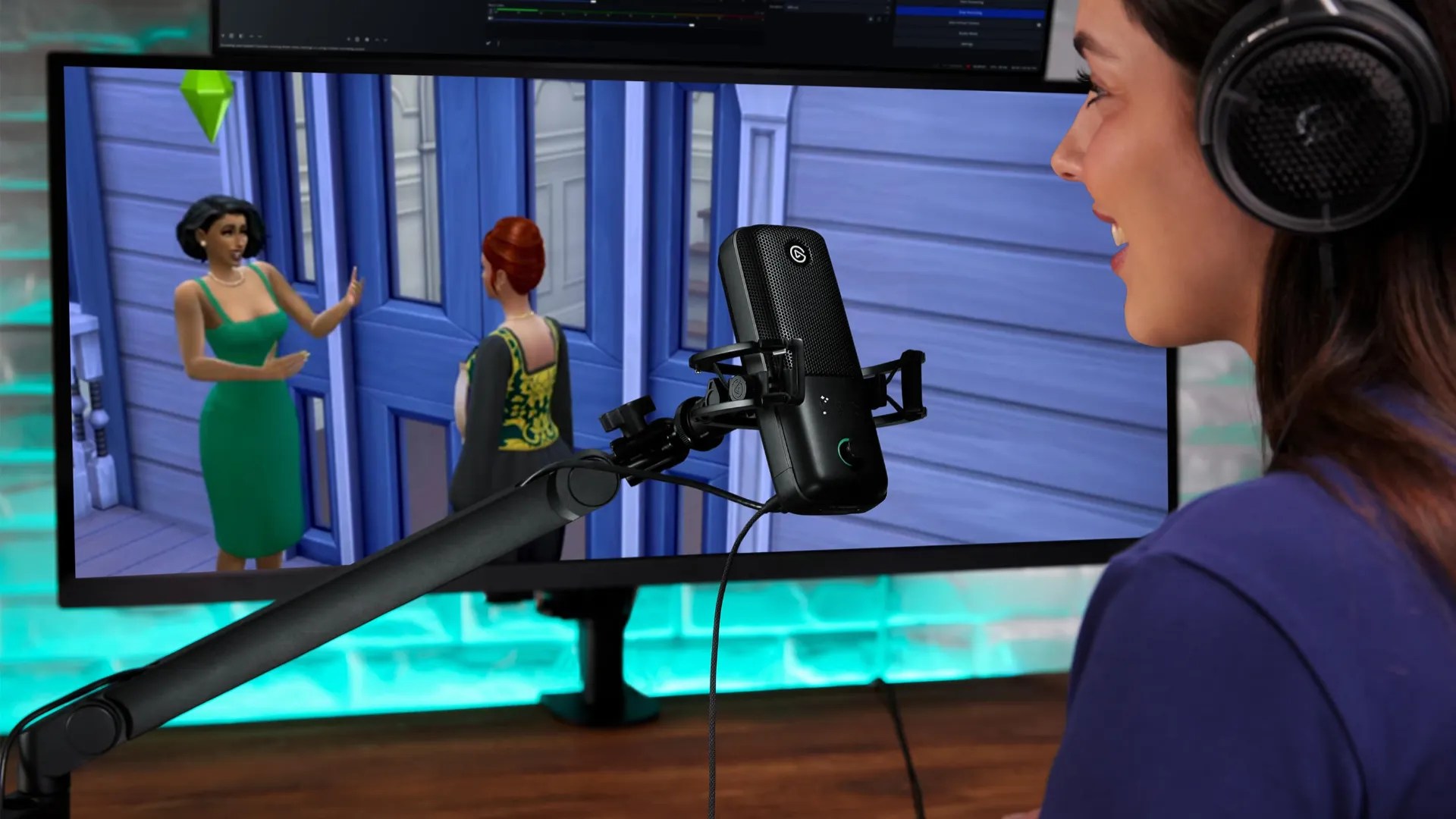
The Wave:3 MK2 offers a incredible suite of features that are the first of its kind in the creator space. On paper however, the old Wave:3 and the newer MK2 are very similar – condenser microphones with a cardioid polar pattern, 70 Hz – 20 kHz frequency response and 24-bit audio.
However, with the addition of the WaveFX chip, creators can now get virtually unclippable audio with Clipguard 2.0, all of those onboard DSP effects and VST inserts applied (with zero-latency monitoring for all audio EVEN WITH the effects applied, thanks to the 3.5mm jack on the device itself), alongside a pretty much automated setup process when paired with Wave Link 3.0 – there’s a setup wizard that now does all the hard work for you. It’s the Gandalf of audio tech.
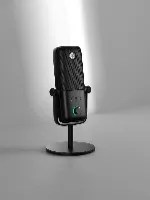
What makes this even more incredible – and something that has barely been shared in their marketing material for some reason – is that because ALL of these effects are applied on-device. The device is USB-C. Are you following me here?
*Cough* – When pairing the Wave:3 MK2 to a phone, tablet or even a console, you keep all of those effects. Clipguard 2.0, expanders, compressors and voice tune can now be used… with an iPhone – just by plugging in the device. Oh, and there’s now a new LED light that shows your levels in real-time, and one of the dial-press functions have been replaced with that instant “wizard setup” function that gives you perfect audio every time, in addition to changing your input/output levels.
This pretty much eliminates the barrier-for-entry for high-quality audio – a personal mission of Elgato’s for quite some time, finally come to fruition. The over-the-top streamers who are constantly screaming when reacting to their Dark Souls deaths will no longer give their viewers permanent hearing damage, and the globe-trotting content creators can now record studio-quality voiceovers with nothing more than their mic and the phone in their pocket.
Wave XLR MK2
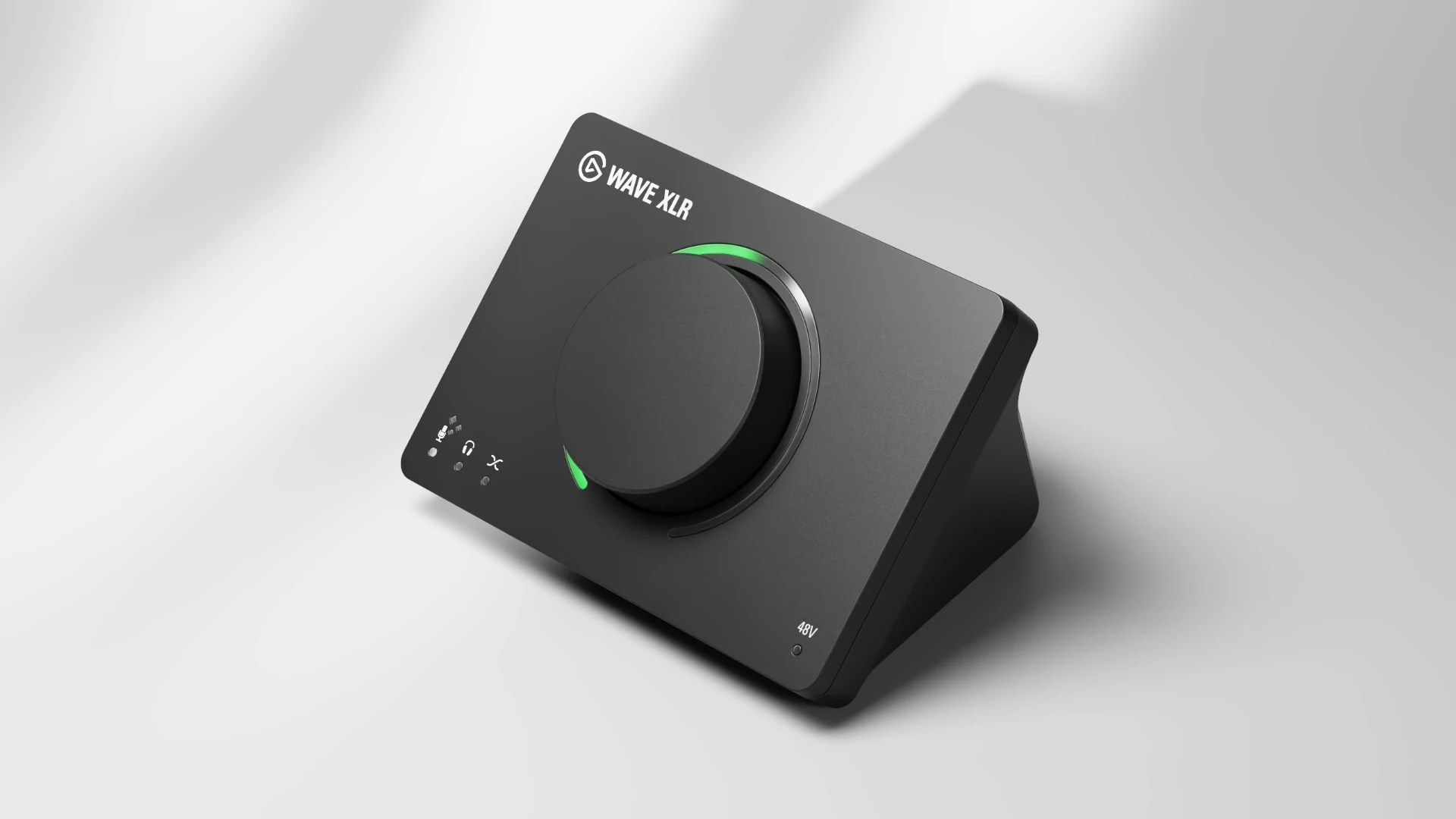
In addition to Elgato’s Wave:3 MK2 – a USB-C mic – there’s an updated version of the original Wave XLR for… well, XLR users, obviously.
The huge benefit of using the Wave XLR MK2 is that all the on-board processing, effects, VST inserts and suchlike – is that all those neat effects can be applied to pretty much ANY XLR microphone you throw at it. Some will work better than others, naturally, but you’ll be able to breathe new life into pretty much any old mic you’ve been been struggling with.
The Wave XLR MK2 still offers 48v Phantom Power for those who need it, a headphone jack for zero-latency monitoring and – much like the Wave:3 MK2 – an LED indicator for your audio levels, and a one-tap wizard to get perfect audio in seconds.
Wave XLR Pro
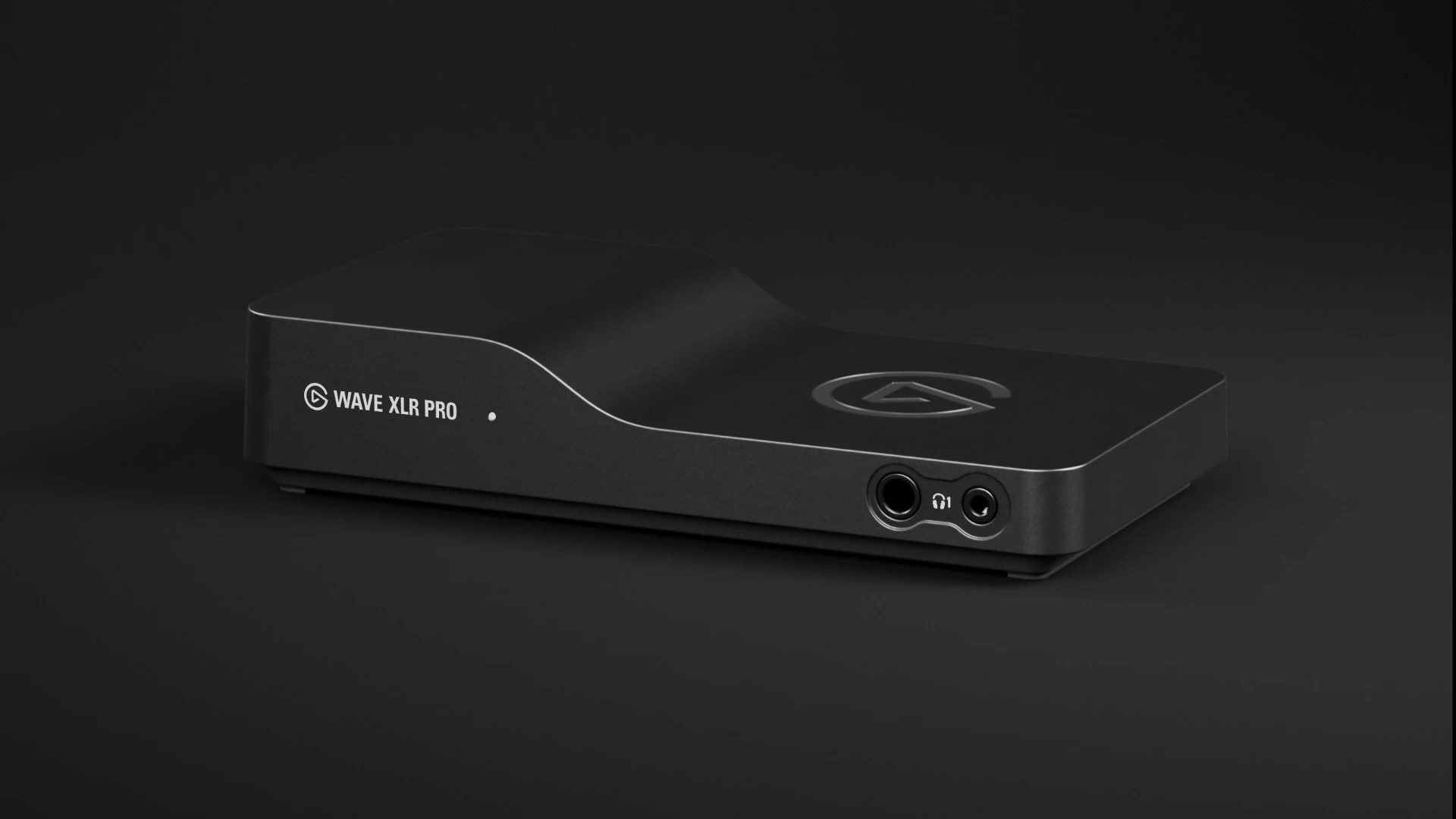
The Wave XLR Pro is the audio interface we’ve all been waiting for. It’s the reason you’re going to finally sell your GoXLR, and the reason you’ll be sending Elgato love letters from the moment it’s officially released in Q2 this year.
The Wave XLR Pro features all the processing power mentioned above – on-board DSP effects, VST inserts, Clipguard 2.0 and more – then it processes and applies those effects to TWO XLR INPUTS, sending that audio directly to your system and your speakers or headphones with zero latency. A quote from their website best sums this one up;
“Studio grade sound with super-responsive monitoring, but none of the routing complexity.”
In addition to the dual XLR inputs – perfect for podcasts and dual PC setups – the Wave XLR Pro also comes with an Aux, Line In and Line Out ports, headphone ports for monitoring and even game-chat recording when paired with the Chat Link Pro. This is THE all-in-one device for creators, livestreamers and artists, especially when paired with Wave Link and Stream Deck. It completely eliminates the majority of issues creators have had with audio routing, low-latency monitoring, dual-pc setups – heck, you can even pair the XLR Pro with your phone to use it for calls and audio input. It’s the dream audio device.
A full list of tech-specs can be found via Elgato’s website, alongside an option to pre-order if it’s caught your eye – if you’re looking to upgrade your audio and finally be rid of that old, outdated interface on your desk, this is – without doubt – the best and most versatile the best option for you.
Stream Deck + XL
Okay, this one’s not technically an audio device – but, you’re going to need a way to control all of that powerful audio; your mixes and channels via Wave Link, your VSTs and effects – so, Elgato build an absolute monster of a Stream Deck.
We’ve actually already had the chance to review this one – Elgato were kind enough to send one out for review via our tech channel, HeroVision (thanks again, Elgato), and showcase how well it works with Wave Link 3.0 – if you’re looking to grab one of these, check out the video beforehand to get a feel for how powerful it can be.
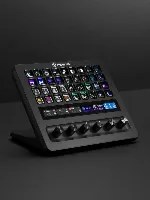
The Stream Deck + XL is exactly what you’d expect – the big brother the Stream Deck + aspires to be. 36 Keys that can communicate with pretty much any application you use via official plugins – most of which are available for free via Elgato’s marketplace – or hotkeys.
There are 6 rotating dials that can control all of your mixes and channels – all of which have an extra “push” functionality, and there’s also an extended touch bar above the dials that provides an additional layer of interactivity, as well as a beautiful, aesthetic display for pretty much all of your favourite plugins – Spotify, Weather, System Vitals, etc.
In summary, Elgato have thought of every possible way to keep audio simple, while also implementing game-changing technology users at all levels.
There’s never been a better time to get into content creation – livestreaming is more popular that it’s ever been, and in an age of AI influencers & deep-faked personalities, we need creators to share more of who they are. Elgato’s latest audio products help you share your story, without constantly focusing on the technical elements, or needing the expertise to fine-tune your audio at a professional level – everything is done for you, while also giving you the flexibility and control of a pro audio engineer setup.
Something of a personal note here – the constant innovation and pursuit to do better is incredibly admirable. It would have been easy for Elgato to launch a new product with minimal changes to generate a few extra pennies – instead, they’re consistently leaping forward, taking the creator community with them. Great job, Elgato.
We’ll have dedicated reviews & tutorials on each of these products over the next few weeks, both via our blog, our socials & our YouTube channels. Stay tuned!
Sign up to our newsletter – get notified any time there’s a new post, review or article that may pique your interest.
Some links included in this post are affiliate links. These help to fund and sustain everything we do, at no extra cost to you. Learn more about affiliate links here.


 12Boom
Leave a comment