
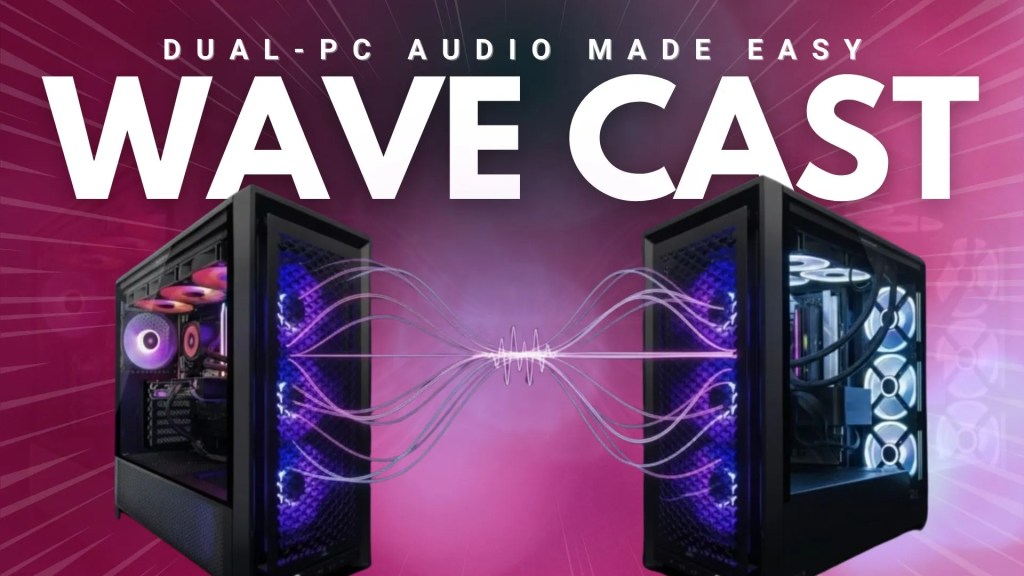
Embarking on a two-PC streaming journey is the rite of passage for content creators everywhere. It’s when you finally go all-out, dedicating one machine entirely to games for the best frames-per-second, and the other to the thankless task of encoding and streaming your game. But this wonderful adventure has a rather infuriating side quest: audio management. For a long time, the fix was a mad adventure and gamble with auxiliary cables, ground loop isolators, and mysterious software such as Voicemeeter Banana that took an audio engineering degree to set up. Elgato looked at this knotty mess and said “hold my beer…”
Fixing the Main Two-PC Problem
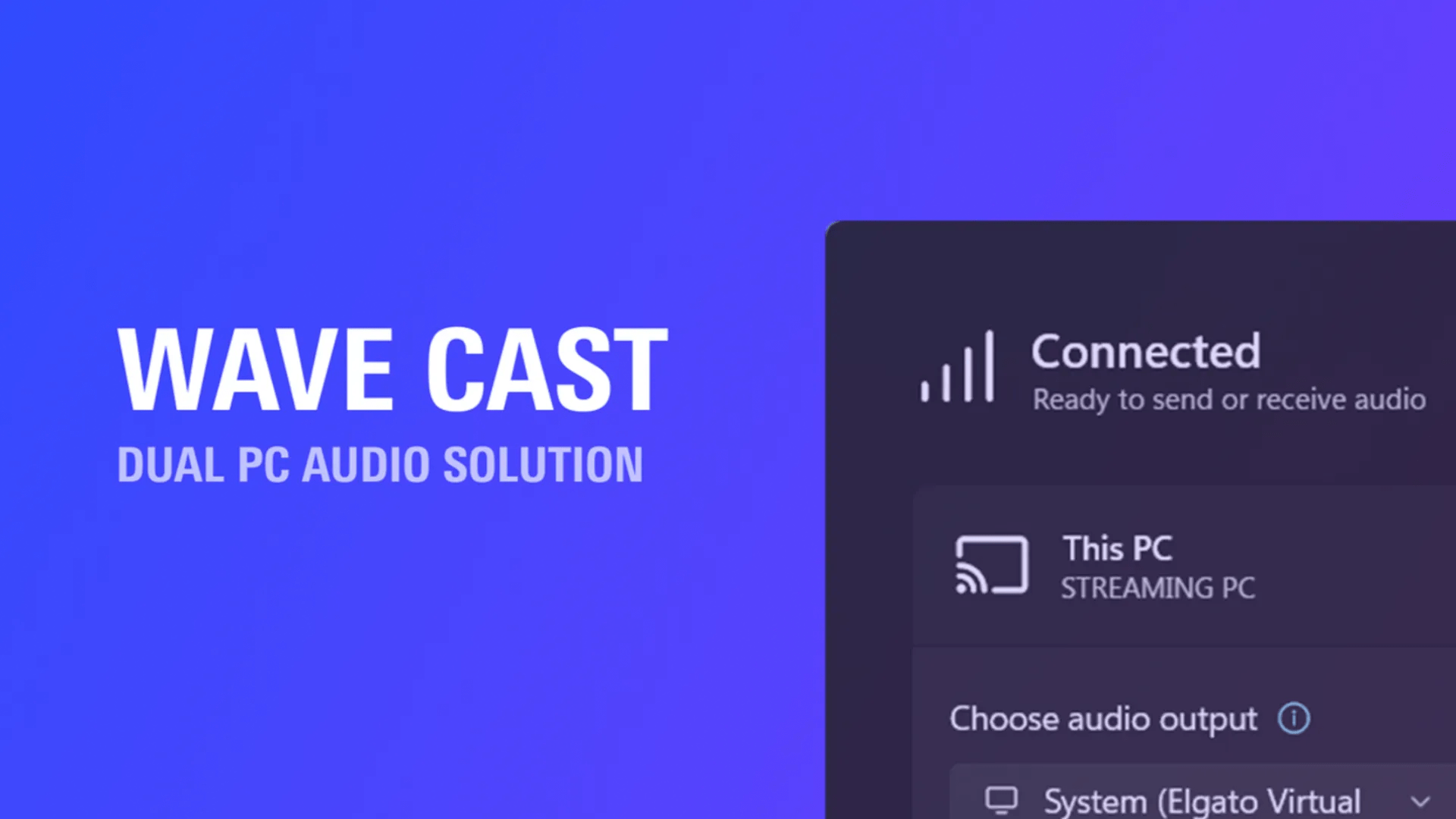
Wave Cast software is a bridge, specifically engineered to transfer your audio from one computer to another over your home network with as little pain as possible, with the aim of turning an tedious process into a three-click workflow. Download and install the application on both devices via Elgato Marketplace, tap the connect button, select your audio sources, then add Wave Cast to OBS. That’s it!
You simply select which program’s sound you want to send-maybe Call of Duty, Fortnite, or maybe even your entire system’s audio-and you’re set. The sound then appears on your streaming machine, ready to be added as an input in OBS – combine that with your gameplay, webcam and some audio bits, and you’re good to go! We’ve put together a simple guide for you if you’re looking for some setup help:
The real game-saver, however, is the return channel. Previously, if your high-quality microphone was connected to your Streaming PC, you couldn’t use it for in-game voice communication on your Gaming PC without… you guessed it, more cables and software purgatory.
Wave Cast graciously fills this “two-mic” situation by allowing you to re-stream your microphone audio back from the Streaming PC to the Gaming PC. This enables you to utilize your single, broadcast-quality mic, with all the trimmings of VST filters like Voice Focus, EQs, compressors, and NVIDIA’s noise removal in the background preloaded in Wave Link, for your stream audience and your teammates in Discord or in-game text chat.

The Windows Wall and Other Caveats
Naturally, there is no perfect solution, and Wave Cast is not an exception to that. It does come with a couple of notable asterisks. The most significant problem is platform restriction. Right now, the software is only for Windows – Mac users may have to sit on the sidelines for a while. While Elgato has hinted they might return and make a Mac option a reality if demand is high enough, we may have to wait a while for it to arrive.
Also, because Wave Cast works via your own local network, the stability of your connection comes into play. We haven’t noticed any issues whatsoever during our testing – and the software does contain options to optimize for performance (low latency) or stability – but it’s definitely something to keep in mind if your home/office internet is a little sketchy.
A Must-Have for the Right Streamer
So, what’s the verdict on Elgato Wave Cast? For a content creator who has a dual-PC setup on two Windows devices, it’s certainly game-changing software. It takes one of the most frustrating, technical hurdles for streaming and makes it a breeze, easy user experience. Being able to route game and PC audio, and a fully processed microphone signal back to your gaming rig, with no issues and barely any latency… it’s a feature that makes configurations easy and quality of life infinitely better. It essentially makes expensive hardware mixers and shifty software hacks redundant for a very specific, but very popular, use case.
When paired with something like Elgato’s (also newly released) one-tap OBS setup solution – Marketplace Connect for OBS – you can get all of your overlays, sources, scenes, transitions, alerts and even Stream Deck actions ready-to-go in under 5 minutes, then throw Wave Link and Wave Cast into the mix and have a fully-fledged dual-PC setup waiting for you just as the popcorn starts popping in the microwave.
It’s a testament to Elgato’s design and a new, modern approach, focusing on premium plugins and a better virtual experience. It doesn’t solve the problem for everyone, but for those it does, it’s utterly invaluable.
Subscribe for notifications when a new article, review or news story goes live, with exclusive resources & discounts.
Some links included in this post are affiliate links. These help to fund and sustain everything we do, at no extra cost to you. Learn more about affiliate links here.



 12Boom
Leave a comment